
Blog
A Wet iPhone Charging Port? Safe Steps to Remove Moisture and Prevent Damage


It only takes a moment for an iPhone to come into contact with water. A drink spills across a desk, rain catches you outside, or the phone gets splashed near a sink. Everything may appear normal until you connect a charging cable and see a warning that liquid has been detected. At that point, the natural reaction is to find a quick way to dry the port and get the battery charging again. Resist the urge to rush. Charging through a wet connector can damage the phone or cable, so patience is more useful than improvised cleaning tricks. Knowing how to get liquid out of charging port safely can help you avoid turning a minor accident into an expensive repair.
First, Disconnect Everything
As soon as you notice moisture or receive a liquid-detection alert, unplug the charging cable from the iPhone. Disconnect its other end from the wall adapter, computer, or charging accessory as well. Do not keep reconnecting it to see whether the warning disappears.
The alert does not necessarily mean that water has entered the entire phone. Moisture may be present inside the Lightning or USB-C connector, on the cable end, or around an attached accessory. The warning is designed to prevent charging until the relevant connections are dry. This matters because electricity passing through a wet connector can contribute to corrosion on the contact pins. Even if the phone initially appears to charge, repeated attempts may create problems that are not immediately visible.
Let Gravity Help Remove Excess Liquid
Once the cable is disconnected, hold the iPhone with its charging port facing downward. Gently tap the phone against your hand to encourage excess liquid to move out of the connector. Keep the movement controlled. Shaking the phone forcefully or striking it against a hard surface is unnecessary and could cause additional damage. The goal is simply to help loose moisture escape without introducing anything into the opening.
Next, use a clean, dry, lint-free cloth to wipe the outside of the phone. Pay attention to the area around the connector, but do not push the cloth into the port. A soft exterior wipe is enough; the inside needs time and airflow to dry naturally.
Give the Connector Time to Dry
Place the iPhone in a dry location with some natural airflow. A normal room-temperature environment is suitable. Avoid enclosed spaces where moisture cannot evaporate easily, and leave the charging port unobstructed. Wait at least 30 minutes before trying a cable again. If the liquid-detection warning returns, disconnect the cable and continue letting the phone dry. Apple notes that complete drying can take up to 24 hours, depending on the amount of moisture.
The important point is not to treat 30 minutes as a guaranteed deadline. A small splash may dry relatively quickly, while moisture trapped beneath the connector pins can take considerably longer. Repeated warnings are a reason to wait, not to apply stronger cleaning methods.
Common Drying Tricks That Can Make Things Worse
Several popular suggestions sound practical but can create more problems than they solve. Do not use a hair dryer, heater, or direct sunlight to force the moisture out. External heat can expose the phone to unsuitable temperatures, while compressed air may push liquid deeper into the connector. Avoid inserting cotton swabs, tissues, paper towels, toothpicks, or metal objects into the port. These items can leave fibers behind, damage delicate contacts, or push debris further inside.
The familiar rice trick is not a reliable solution either. Small particles can enter the connector and create another obstruction. Leaving the phone in a ventilated, dry area is a safer approach than surrounding it with household materials.
Can an iPhone Charging Station Help?
A charging station can make everyday battery management easier, but it is not a tool for drying a wet connector. Do not connect a damp port to a wired dock or charging stand simply because it offers a different cable arrangement. Wireless charging may provide another option while the connector dries, provided the back of the iPhone is completely dry and the device supports wireless charging. Apple specifically allows the use of a Qi-certified wireless charger in this situation when the phone’s back is dry. This does not mean that every charging station is suitable: check that it supports your iPhone and follow the product instructions.
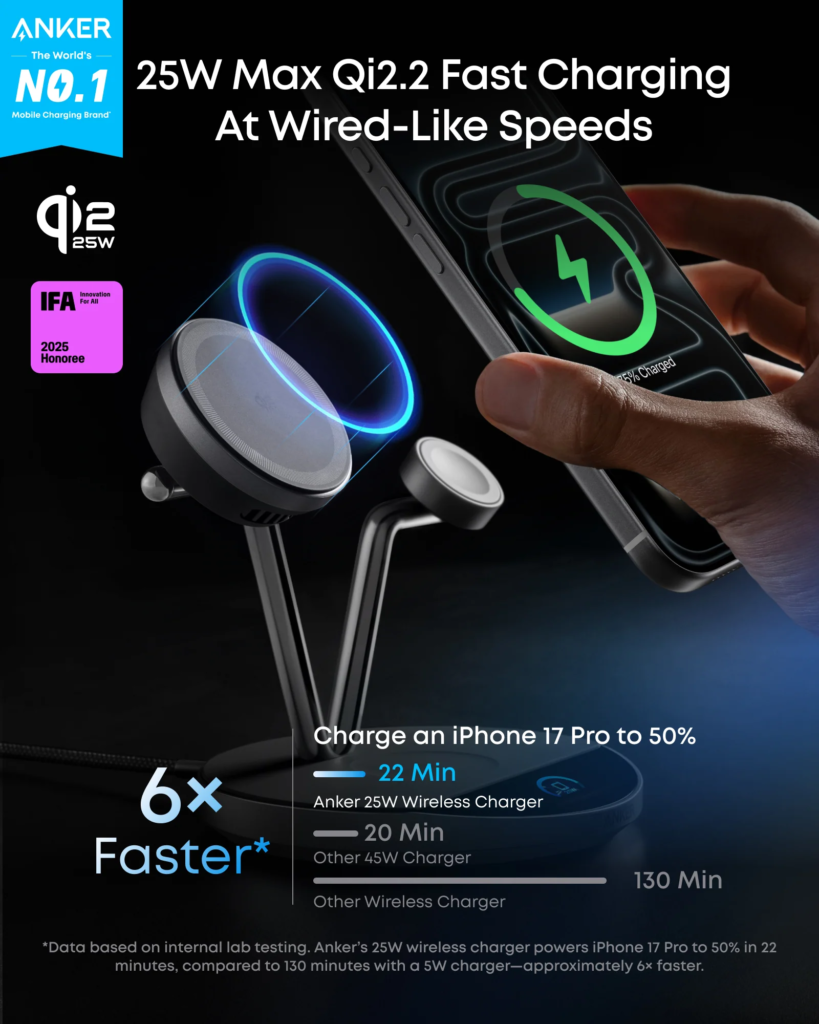
Once the connector and cable are fully dry, an iphone charging station can help organize your regular setup. Choose one with compatible charging standards, adequate power output, and a stable design. Brands such as Anker offer different charging arrangements, but compatibility should always come before appearance or the number of charging positions.
What If the Warning Will Not Go Away?
If the alert continues after the phone and cable have had sufficient time to dry, inspect the cable for visible damage. A particular cable or accessory may be responsible for repeated warnings, even when the phone itself is dry. Try a known-good, compatible cable only after all connections are completely dry. If the warning appears consistently with different reliable cables, or the phone no longer charges normally, contact Apple Support or an authorized service provider. Persistent moisture alerts should not be bypassed simply to restore charging.
Final Thoughts
A wet charging port rarely benefits from a quick fix. Disconnect the cable, let excess moisture drain with the connector facing downward, wipe the exterior, and leave the phone somewhere dry with airflow. Avoid heat, compressed air, rice, and objects inserted into the port. Once everything is dry, you can return to a suitable wired charger or wireless charging setup. A careful response can protect both your iPhone and its accessories.
FAQs
How long does it take for an iPhone charging port to dry?
It depends on how much moisture is present. You can try again after at least 30 minutes, but complete drying may take up to 24 hours.
Can I use a hair dryer to dry my iPhone charging port?
No. Avoid external heat sources and compressed air. Leave the phone in a dry area with natural airflow instead.
Is it safe to charge an iPhone wirelessly when the port is wet?
Apple says wireless charging can be used when the back of the iPhone is dry. Use a compatible Qi-certified charger and avoid connecting a wet port by cable.
Should I put my wet iPhone in rice?
No. Rice particles can enter the connector and cause additional problems. Air-drying in a suitable location is the safer method.
What should I do if the liquid warning remains after the phone dries?
Check the cable for damage and test with another compatible cable once everything is dry. If the warning continues, seek help from Apple Support or an authorized service provider.


A Wet iPhone Charging Port? Safe Steps to Remove Moisture and Prevent Damage

Checking Webinkey Com Against Its Own Pages

The Importance of Accurate Travel Information When Crossing International Borders

Who Is Chanelle Haynes? The Fascinating True Story of Cornell Haynes III’s Sister

Who Is William Lancelot Bowles Jr.? The Intriguing Untold Tale of Phylicia Rashad’s Ex-Husband

The Inspiring Story of Kelly Davis Rucker: From Struggle to Success
-
 Celebrity4 months ago
Who Is Chanelle Haynes? The Fascinating True Story of Cornell Haynes III’s Sister
-
 Celebrity5 months ago
Who Is William Lancelot Bowles Jr.? The Intriguing Untold Tale of Phylicia Rashad’s Ex-Husband
-
 Celebrity5 months ago
The Inspiring Story of Kelly Davis Rucker: From Struggle to Success
-

 Technology2 months ago
Voozon.com Review: Is It Legit? Features, Benefits, and What to Know
-

 Celebrity2 months ago
Who Is Noah Wilde West? Everything to Know About Chyler Leigh’s Son
-

 Celebrity2 months ago
Who Is Dallas Yocum? The Fascinating Life Story of Mike Lindell’s Ex-Wife
-

 Blog3 months ago
Who Is Cassandra Jade Estevez? The Captivating Life Behind Casey Huffman Wife
-

 Business3 months ago
UploadArticle.com Review: Is It the Best Free Platform to Upload Articles?